Telegram integration
Telegram is a cloud-based instant messaging and voice over IP service.
To integrate Telegram to Windmill, you need to save the following elements as a resource.
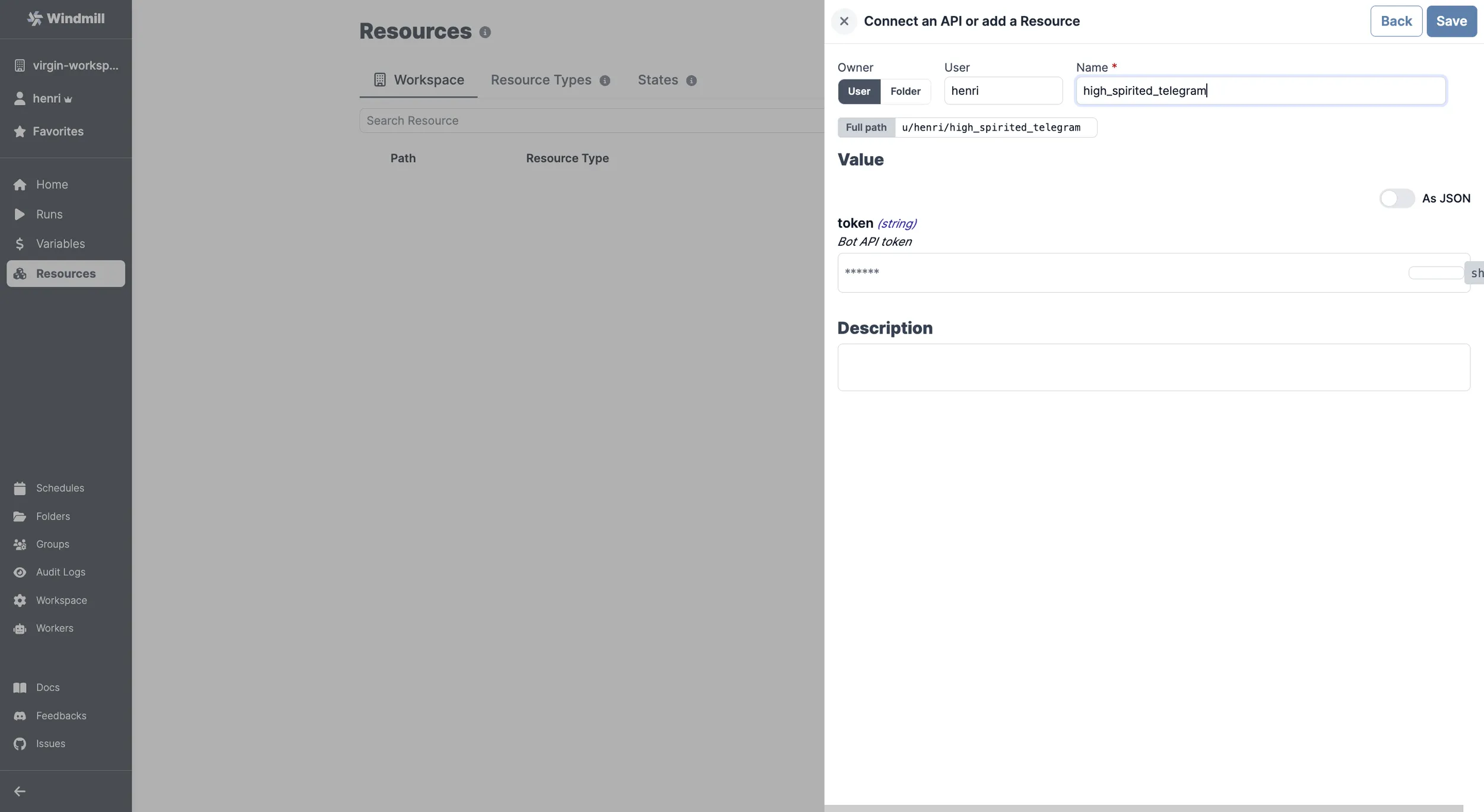
| Property | Type | Description | Required | Where to find |
|---|---|---|---|---|
| token | string | Bot API token | true | 1. Open the Telegram app on your device or use the web version (https://web.telegram.org/). 2. Search for the "BotFather" bot in the search bar. 3. Start a chat with the BotFather. 4. Send the command "/newbot" to create a new bot. 5. Follow the BotFather's instructions to give your bot a name and username. 6. Once you have successfully created the bot, the BotFather will provide you with the Bot API token. |
Your resource can be passed as a parameter or fetched directly within scripts, flows, low-code apps and full-code apps.