Critical alerts
Get a notification everytime a job is re-run after a crash.
This feature is available in the Enterprise Edition.
If the node it which it runs halt suddenly (such as a power loss), then the job will be restarted automatically. Windmill itself doesn't crash and other softer interruptions like a pod termination involve a grace period (300s) to let the job finish.
Critical alerts are generated under the following conditions:
- Job is re-run after a crash (can be silenced with "Mute zombie job restart alerts" in instance settings).
- License key does not renew.
- Workspace error handler fails.
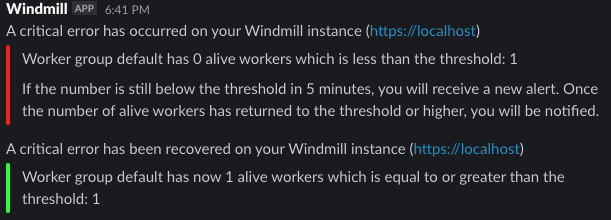
- Number of running workers in a group falls below a specified threshold (has to be configured in the worker group config).
- Number of jobs waiting in queue is above a threshold for more than a specified amount of time.
- API token is about to expire (within 7 days) or has expired (requires "Alert on token expiry" to be enabled in instance settings).
- A schedule skips occurrences because its last 3 runs in a row started or finished too late.
- A disk used by a server or a worker is running low on space (see Low disk alerts).
Token expiration notifications
Windmill monitors API tokens and sends notifications when they are about to expire or have expired. Token owners receive an email notification 7 days before expiration, and again when the token is deleted after expiry.
- Email notifications are always sent when SMTP is configured, regardless of the "Alert on token expiry" setting.
- Critical alerts are only sent when the "Alert on token expiry" instance setting is enabled.
- Session, ephemeral and CLI login tokens are excluded from expiration notifications.
- A token created with 7 days or less to live gets no advance warning, only the notice when it is deleted.
The tokens table in user settings also shows color-coded expiration badges for tokens expiring within 30 days, and a warning banner for tokens expiring within 7 days.
Low disk alerts
Servers and workers monitor the filesystems they depend on: the root mount, and the mounts holding the dependency cache and the job logs directories. When the available space on one of them drops below 1 GB, a critical alert is sent to admins. Set MIN_FREE_DISK_SPACE_MB to change that threshold. A recovery alert is sent once space is available again.
The alert reports the available space, the total size of the filesystem, and the largest entries Windmill found under its own directories on that mount, so you can tell what is filling the disk without connecting to the host:
Disk mounted on `/tmp` is low, 812 MiB of 100 GiB available. (server)

Largest entries under the Windmill directories: /tmp/windmill/cache/python (14.2 GB), /tmp/windmill/cache/deno (3.1 GB), /tmp/windmill/logs/job.log (220 MB).
The breakdown lists the 5 largest top-level entries of the cache and logs directories, sized recursively. Entries that belong to something other than Windmill are not listed, so a mount that is full for unrelated reasons can still show a small breakdown.
Critical alert channels
You just need to configure SMTP and setup a critical alert channel (aka email address) in the instance settings and/or connect your instance to Slack and Microsoft Teams and fill in a channel name.
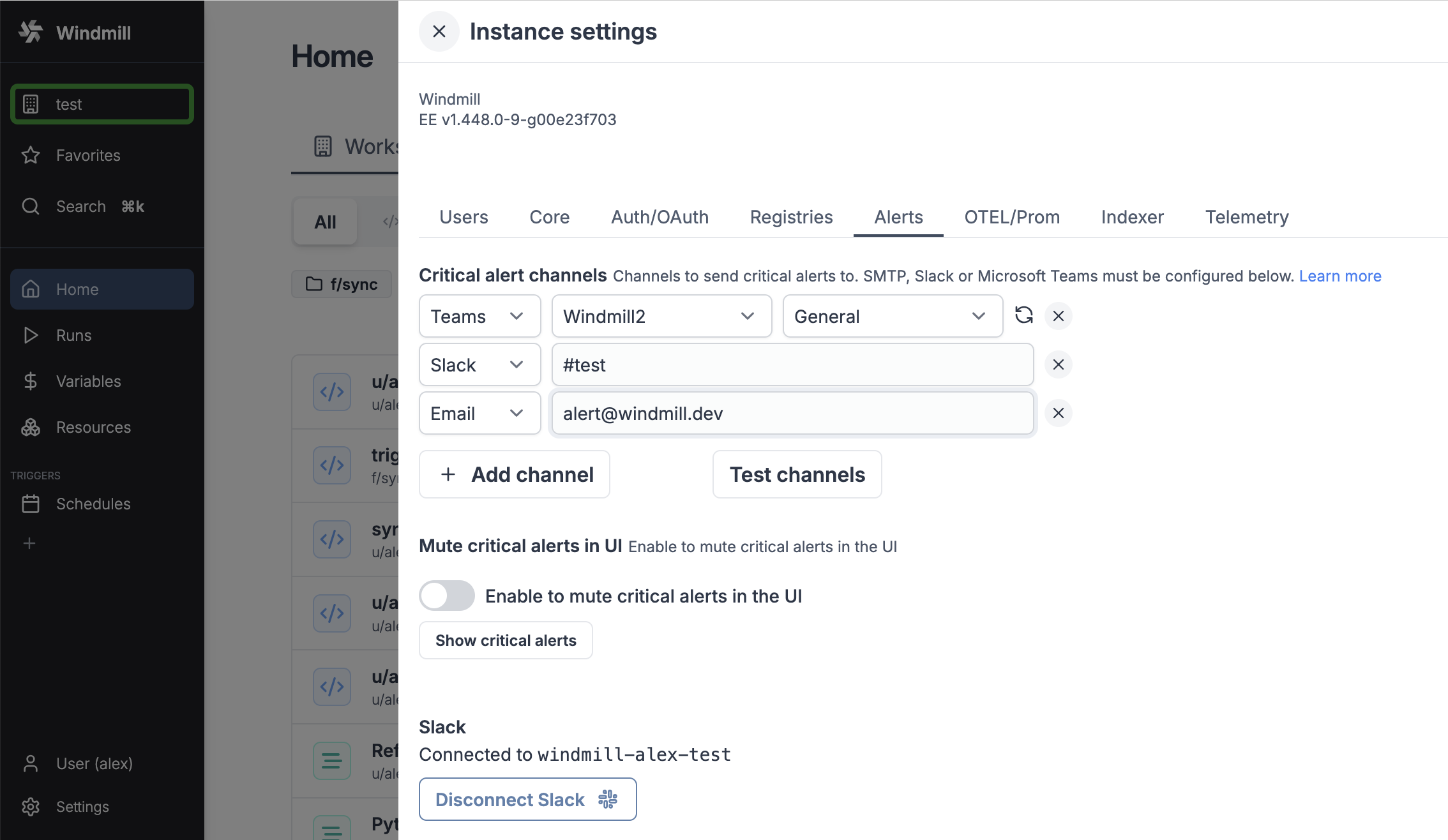
You can also set an alert to receive notification when the number of running workers in a group falls below a given number. It's available in the worker group config.
Critical alerts in UI
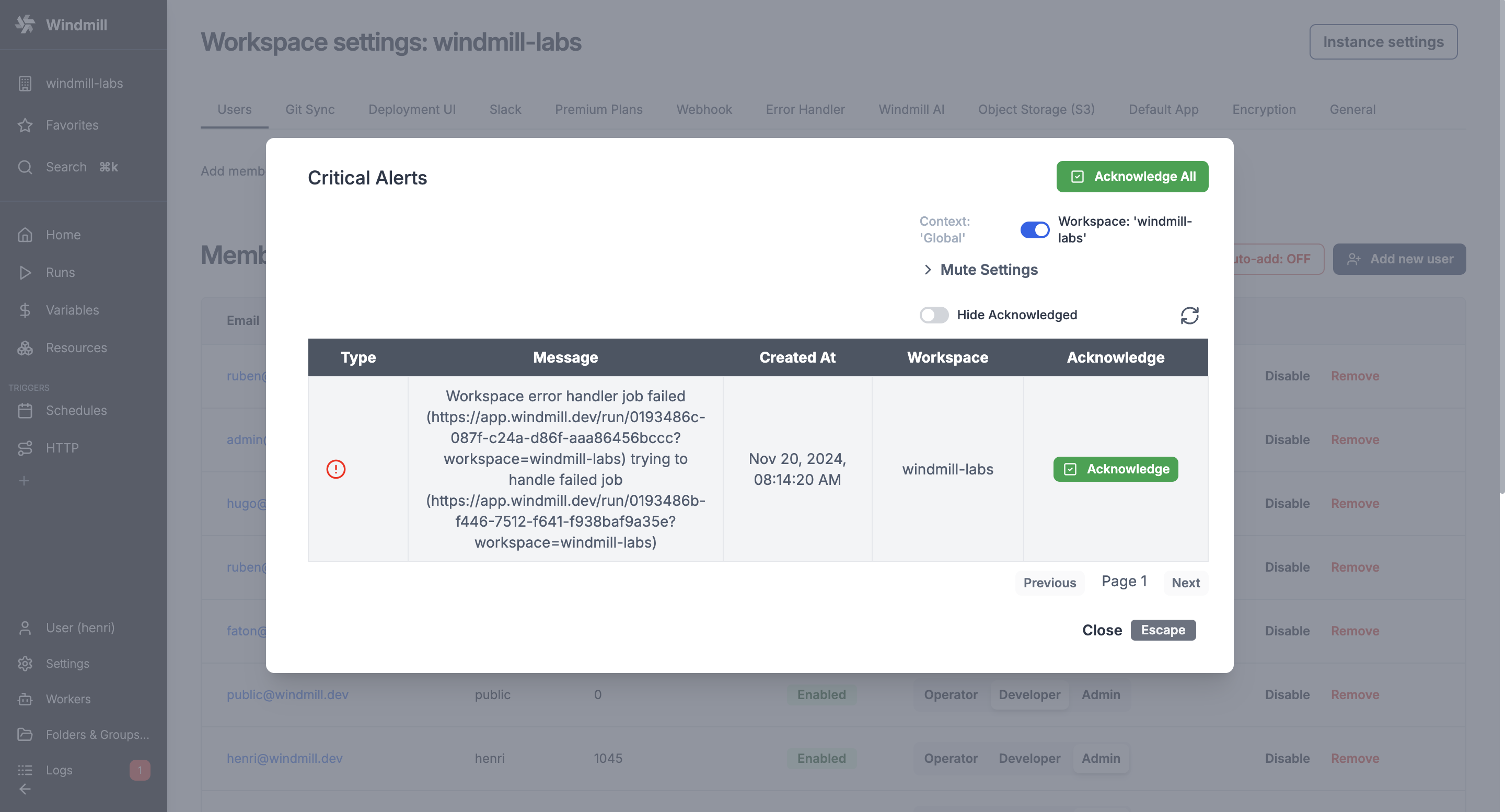
Windmill itself sends critical alerts notifications through the UI.
You can disable this in the instance settings.
Visibility
Instance wide Critical Alerts are only visible to users with the superadmin or devops roles. For workspace specific alerts, users need to have admin privilege over that workspace.