Backend runnables
Backend runnables are scripts that run on Windmill workers and are called from your frontend code via the wmill.ts module. They live in the backend/ folder of your full-code app.
File structure
Each runnable consists of up to three files in the backend/ directory:
backend/
├── get_users.ts            # Code file (required)
├── get_users.yaml          # Config file (optional)
├── get_users.lock          # Lock file (auto-generated)
├── run_query.pg.sql        # SQL runnable (language from extension)
└── run_query.lock
The runnable ID is derived from the filename: get_users.ts → runnable ID get_users.
Code-only runnables (auto-detect)
The simplest way to define a runnable is to place a code file in backend/. The language is detected from the file extension and the runnable is treated as an inline script:
backend/get_users.ts        → TypeScript (Bun) inline script, ID: "get_users"
backend/fetch_data.py       → Python inline script, ID: "fetch_data"
backend/query.pg.sql        → PostgreSQL inline script, ID: "query"
No .yaml file is needed for code-only runnables.
Explicit YAML config
For more control, create a .yaml file alongside the code file:
Inline scripts
# backend/get_users.yaml
type: inline
fields:
  workspace_id:
    type: static
    value: "my_workspace"
The code is in the sibling file (get_users.ts, get_users.py, etc.).
Path-based runnables
Reference an existing workspace script or flow:
# backend/process_order.yaml
type: script
path: f/production/process_order
# backend/onboarding.yaml
type: flow
path: f/flows/user_onboarding
# backend/send_email.yaml
type: hubscript
path: hub/123/sendgrid/send_email
Hub flows from the Windmill Hub can also be selected as backend runnables from the flow picker in the UI.
Static fields
You can pre-fill runnable inputs with static values so the frontend doesn't need to pass them:
# backend/get_users.yaml
type: inline
fields:
  limit:
    type: static
    value: 100
  workspace:
    type: static
    value: "production"
Field types:
| Type | Description |
|---|---|
static | A fixed value, set in the YAML |
ctx | A value from the app context (e.g., user email) |
user | Provided by the frontend at call time |
Supported languages
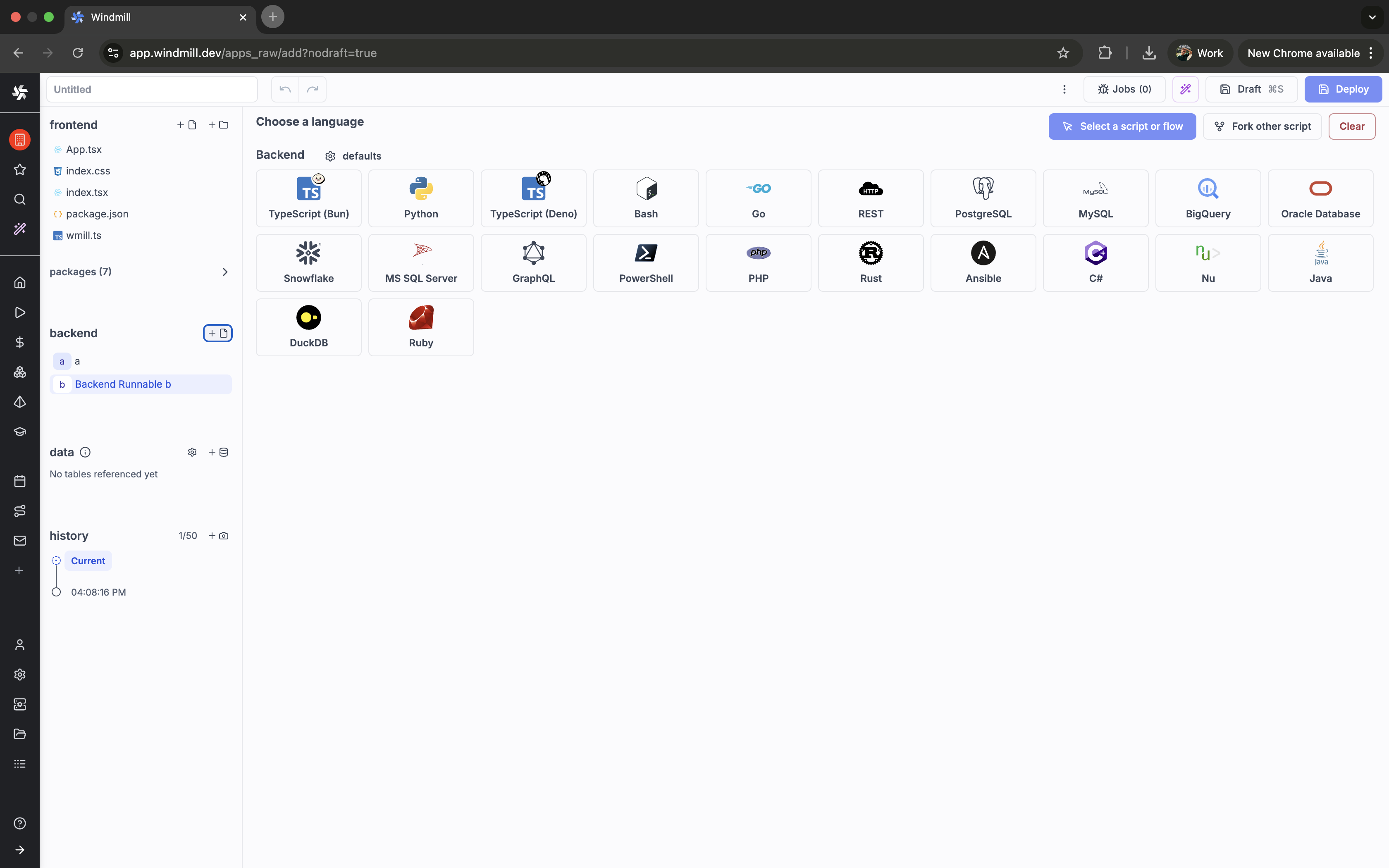
Backend runnables support all Windmill script languages:
| Language | Extension |
|---|---|
| TypeScript (Bun) | .bun.ts or .ts |
| TypeScript (Deno) | .deno.ts |
| Python | .py |
| Bash | .sh |
| Go | .go |
| REST | .native.ts |
| PostgreSQL | .pg.sql |
| MySQL | .my.sql |
| BigQuery | .bq.sql |
| Oracle Database | .odb.sql |
| Snowflake | .sf.sql |
| MS SQL Server | .ms.sql |
| GraphQL | .gql |
| PowerShell | .ps1 |
| PHP | .php |
| Rust | .rs |
| Ansible | .playbook.yml |
| C# | .cs |
| Docker | Dockerfile |
| Nu | .nu |
| Java | .java |
| DuckDB | .duckdb.sql |
| Ruby | .rb |
Plain .ts files default to Bun. Use .deno.ts for Deno runtime. Use .native.ts for REST scripts.
Lock files
Lock files (.lock) pin dependency versions for reproducible builds. Generate them with:
wmill generate-metadata
This creates a .lock file for each runnable that has dependencies (TypeScript, Python, PHP).
Example
A TypeScript runnable that queries a database:
// backend/get_users.ts
import { Client } from "pg";

export async function main(limit: number = 10) {
  const client = new Client(process.env.DATABASE_URL);
  await client.connect();
  const result = await client.query("SELECT * FROM users LIMIT $1", [limit]);
  await client.end();
  return result.rows;
}
Called from the frontend:
import { backend } from "./wmill.ts";

const users = await backend.get_users({ limit: 20 });