Custom instance database
In the past, storing data inside a SQL database required you to setup a database outside of Windmill, and connect to it using a Resource. Custom instance databases allow you to use the Windmill postgres database as a persistent storage for your workspace, without any external setup.
These databases can only be configured by superadmins. They are used through abstractions like Data Tables or Ducklakes, which provide safe access to workspace members without ever exposing database credentials.
Setup
When setting up a Ducklake or Data Table, superadmins can select the "Instance" option to use the Windmill instance database as the backend.
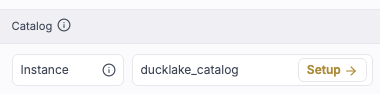
On the right of the dropdown, you will see the status of the Custom instance database. You can open the dropdown to select a previously created Custom instance database, or type any name to create a new one.
In this example, we see that ducklake_catalog requires setup. Let's click on Setup and carry on.
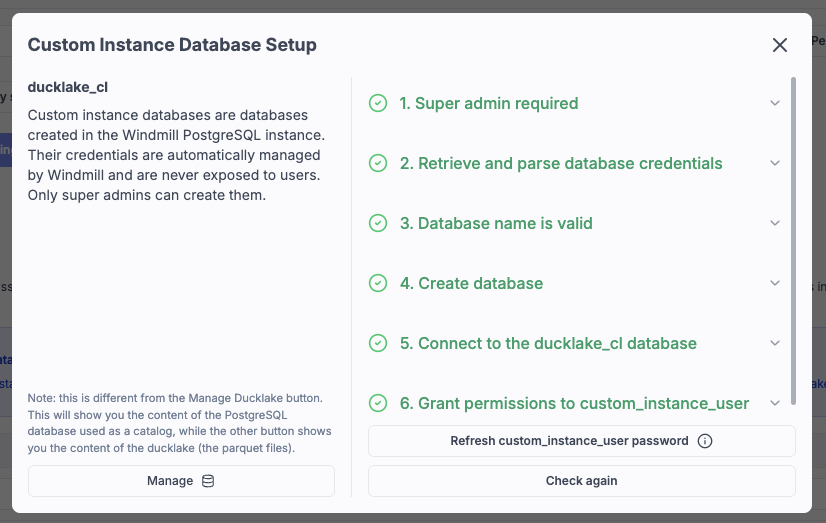
The Custom instance database is ready to go ! Click on Manage to explore the database :
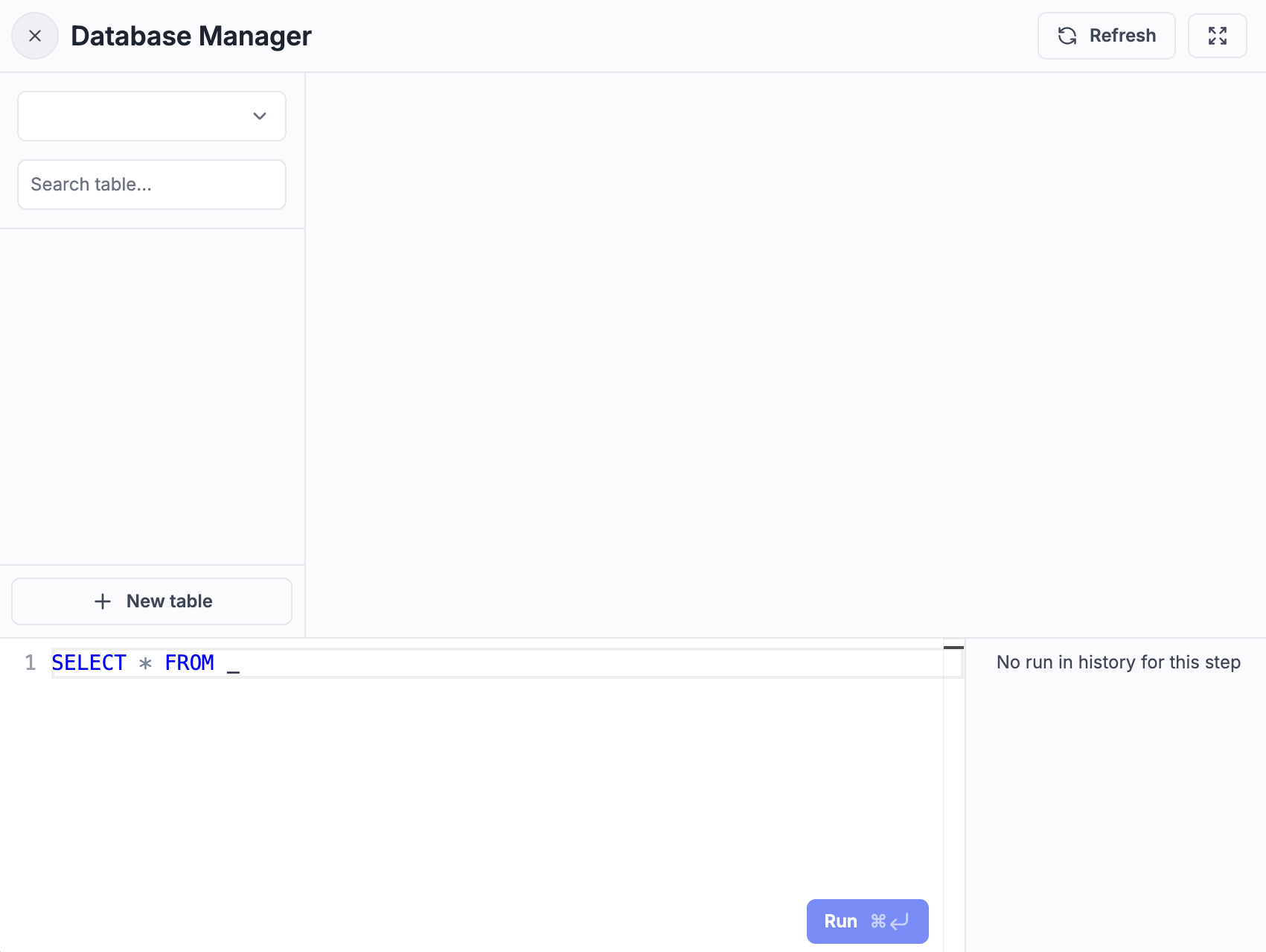
The database is empty, but you can create tables and manage it as you would with any Postgres database. For Ducklake, you should not touch the database directly, as Ducklake will create its own metadata tables.
What happens behind the scenes
When you create a Custom instance database, Windmill runs CREATE DATABASE in your instance Postgres server. For security reasons, these databases are not accessed using the Windmill database credentials specified in DATABASE_URL.
Instead, Windmill has a separate user called custom_instance_user with a randomly generated password, which is stored in global_settings.custom_instance_pg_databases.user_pwd.
You should never use that password directly. Windmill automatically fetches it safely when needed
custom_instance_user is granted access only to the databases created as Custom instance databases.
Although it shouldn't be necessary, you can use the Refresh custom_instance_user password button in the setup screen to regenerate a password if you encounter authentication issues.