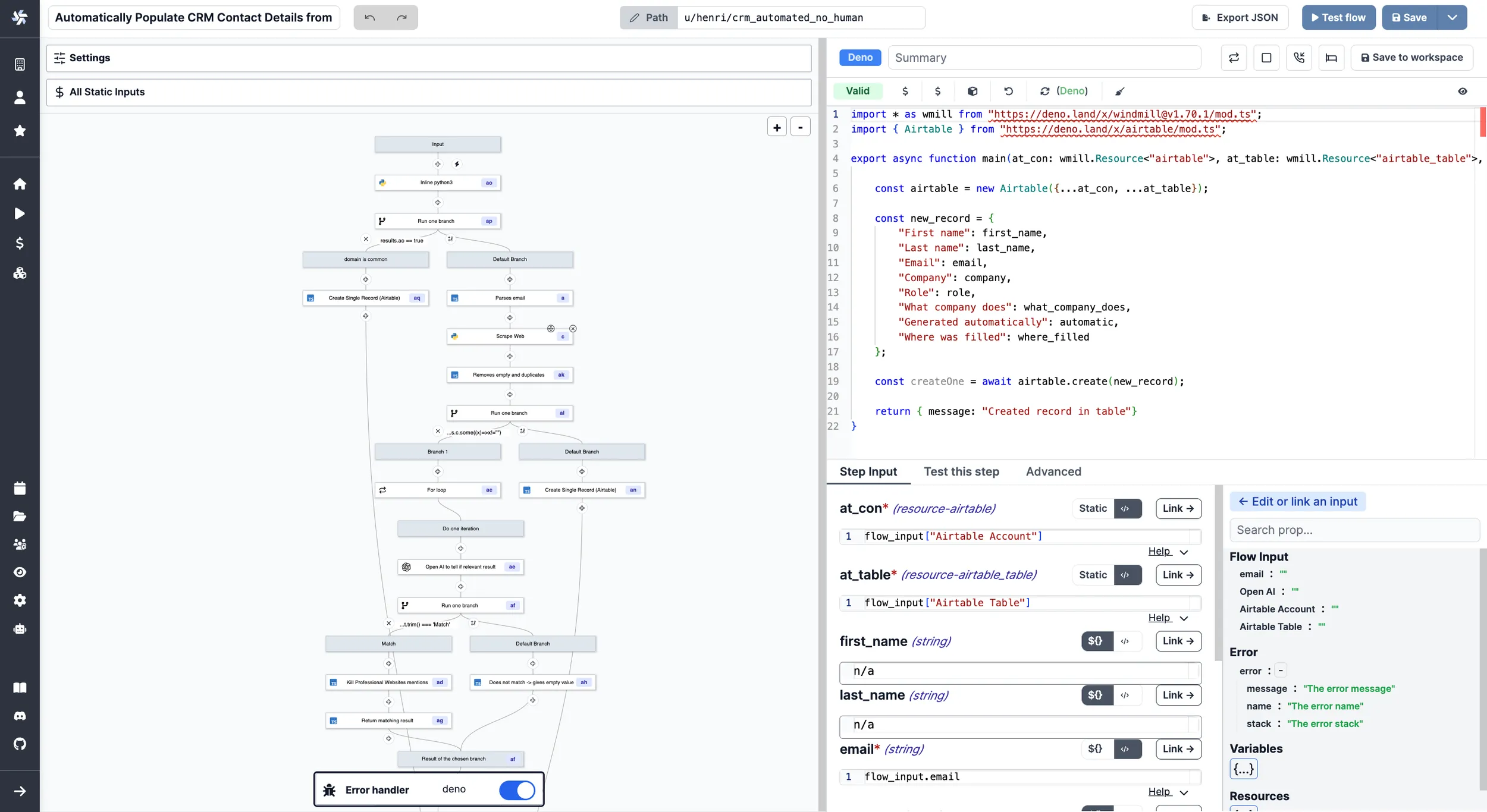
Error handler
The error handler is a special flow step that is executed when an error occurs in the flow.
If defined, the error handler will take as input the result of the step that errored (which has its error in the 'error field').
Steps are retried until they succeed, or until the maximum number of retries defined for that spec is reached, at which point the error handler is called.
Mark the flow as successful
A flow whose error handler ran still ends as failed, even when the error handler itself succeeds.
When the error handler is the intended recovery path, have it return an object with recover: true:
export async function main(message: string, name: string, step_id: string) {
	// e.g. reassign the ticket to a human and log the outcome
	return { message, step_id, recover: true };
}
The flow then ends as a success instead of a failure. This also holds when the failing step is inside a loop, a branch or a subflow.
recover only changes the final status: the same steps run as without it.
A sequential loop still stops at the failed iteration, while a loop that skips failures or a step with "Continue on error" still carries on.
One exception keeps the flow failed: a failure nested deeper inside an iteration of a parallel loop, such as a sequential loop inside a parallel loop, still fails that parallel loop.
The Python and TypeScript error handler templates return recover: false.
Change it to true, or compute it, to decide per run whether the flow counts as recovered.
You can write error handler scripts in:
On the Hub, two examples of error handlers are provided:
- Slack error handler: sends a message to a Slack channel when an error occurs.
- Discord error handler: sends a message to a Discord channel when an error occurs.
For instance, when building a workflow to automatically populate a CRM details from an email, it was decided to set an Error handler to still add the email on the CRM in case of error and not lose the contact's email.