Trigger your most critical tasks with confidence
For ops and engineering teams who run critical jobs. Trigger any script or workflow from schedules, webhooks, Kafka, Postgres, websockets and more. With error handlers and recovery logic powered by Windmill's workflow engine.

Trusted by 4,000+ organizations, including 300+ EE customers at scale:










Every way to trigger a script or flow
Windmill supports 20+ trigger types out of the box. Run your code from any event source, no glue infrastructure required.
From single scripts to complex data pipelines
Trigger anything: a simple script that runs in seconds or a multi-step pipeline with branching, loops and error handling. All logic runs on Windmill's dedicated workers, isolated, scalable and observable.
From logic to production in 5 steps
Write your logic in any language, connect your resources, add a trigger, deploy and monitor every execution.
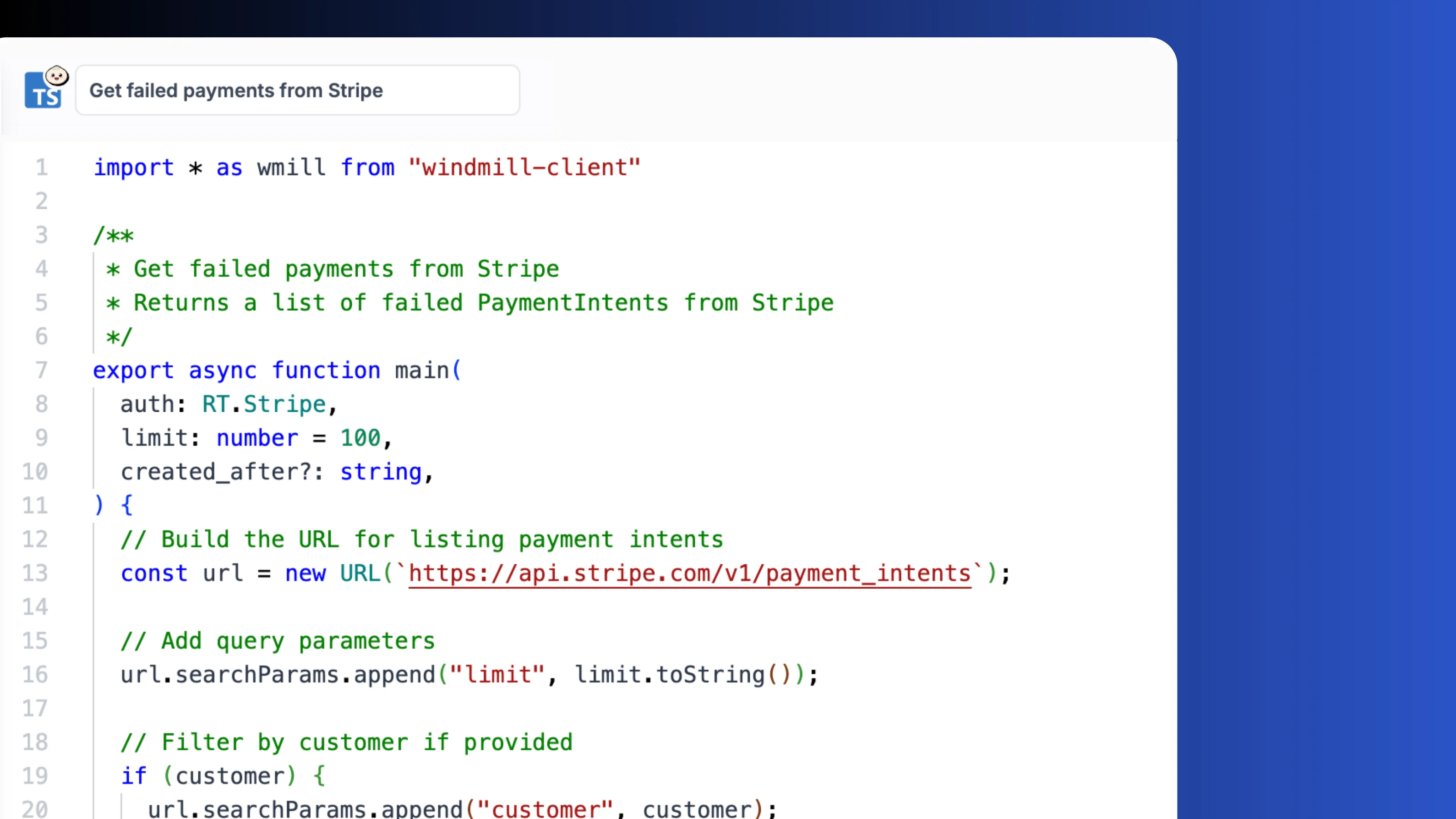
Write your logic in any language
Write a script in TypeScript, Python, Go, Bash, SQL or 20+ languages, from the Windmill UI or locally using the CLI. Your code runs on Windmill's dedicated workers, isolated and scalable.
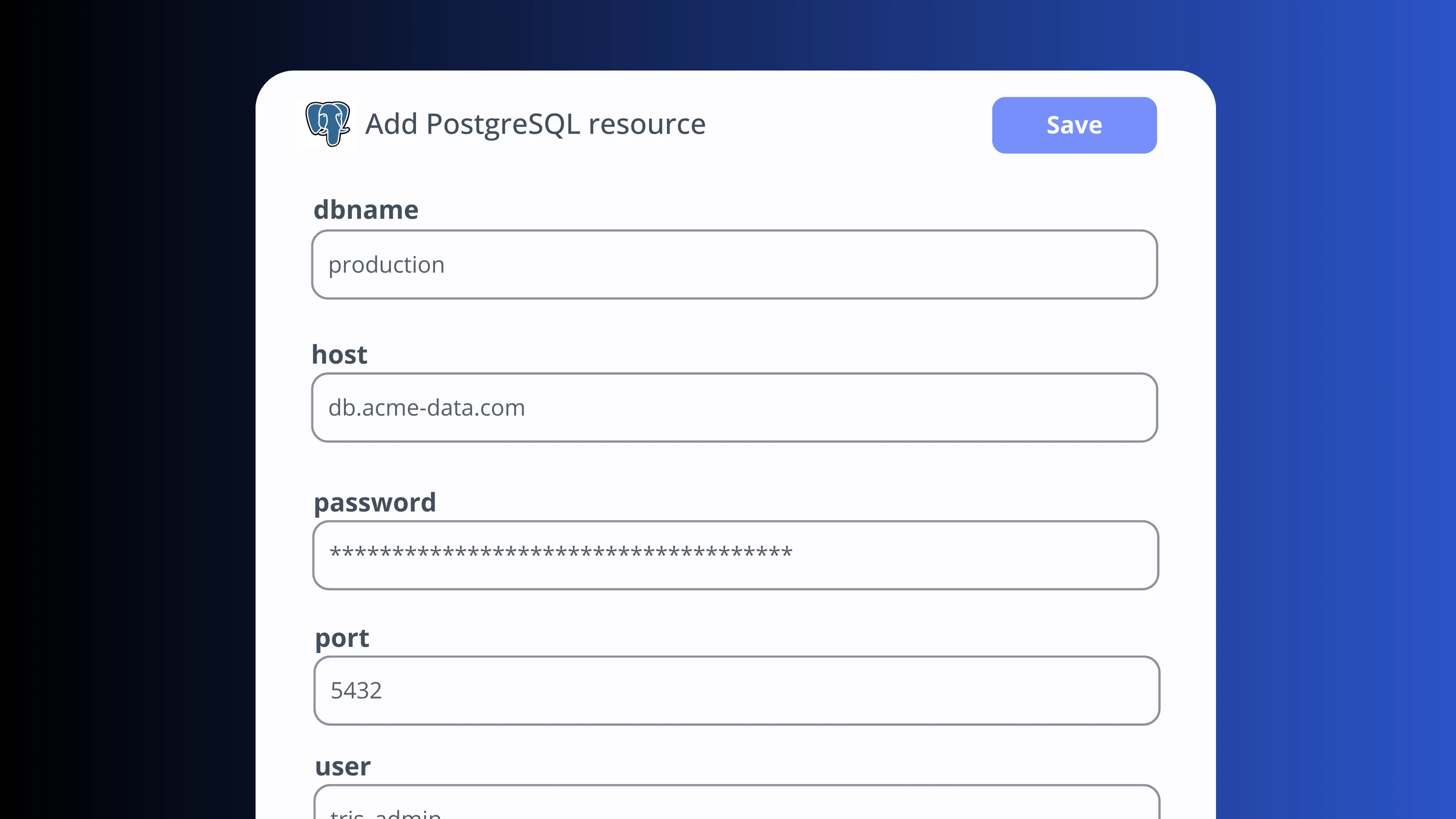
Connect to databases and APIs
Connect resources like PostgreSQL, MySQL, S3, Slack, or any of 50+ integrations. Credentials are encrypted and injected at runtime.
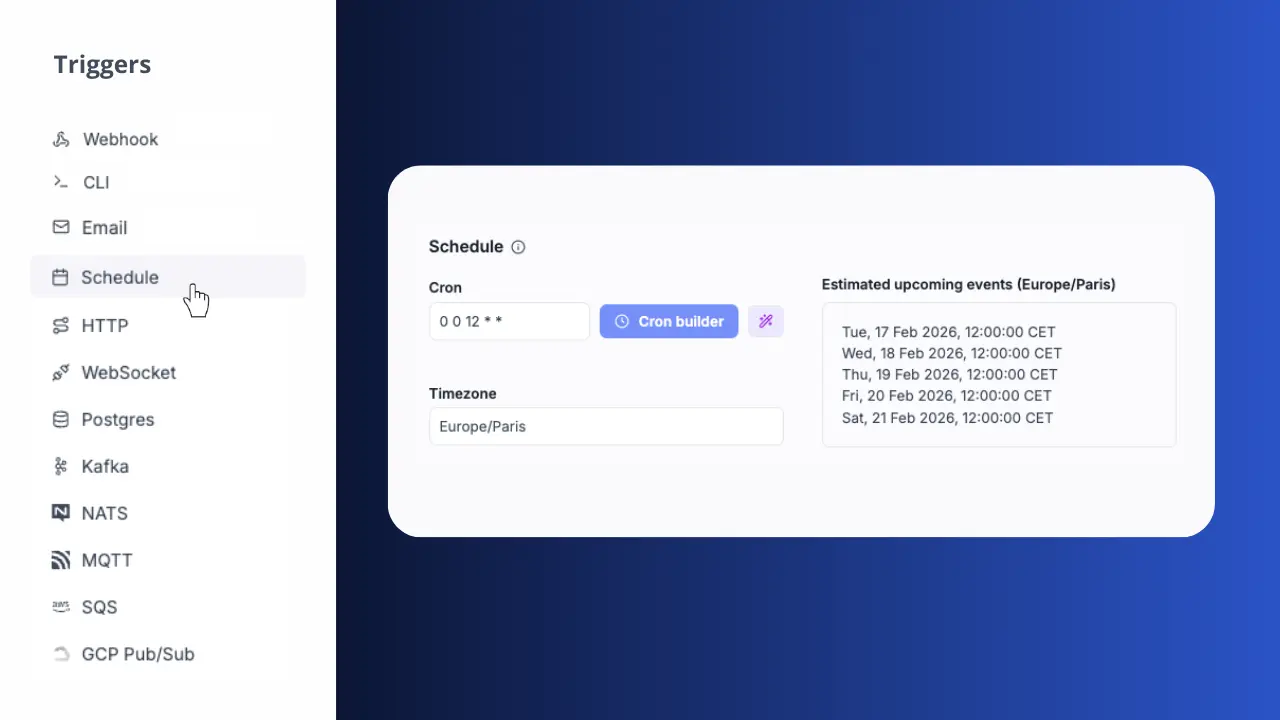
Add a trigger to your script or flow
Every script gets a sync and async webhook. Add a cron schedule or trigger from Kafka, SQS, Postgres CDC or any event source.
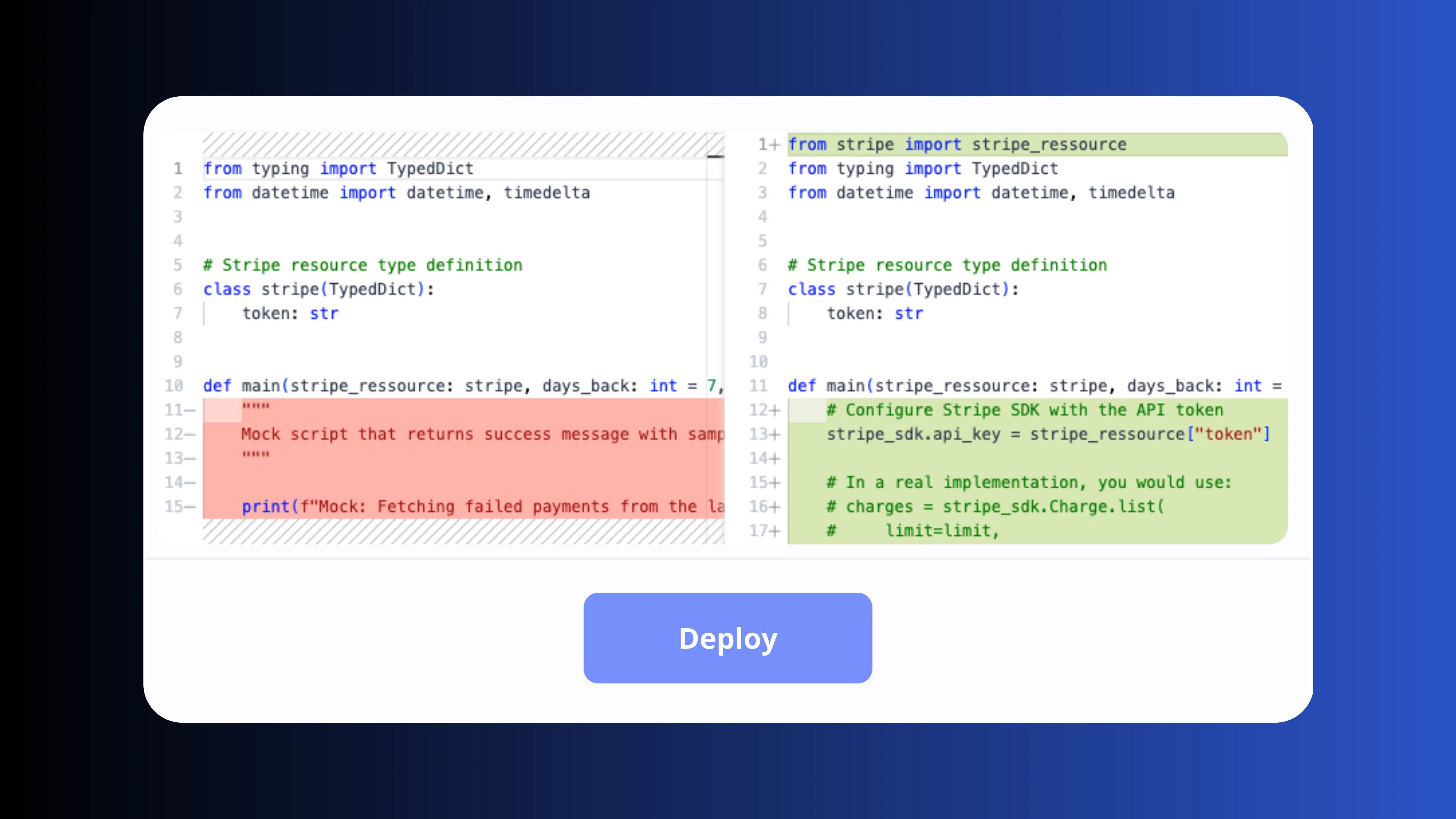
Deploy from draft to production
Go from draft to deployed in one click. Every save creates an immutable version with diff history and instant rollback. Sync with GitHub or GitLab for CI/CD.
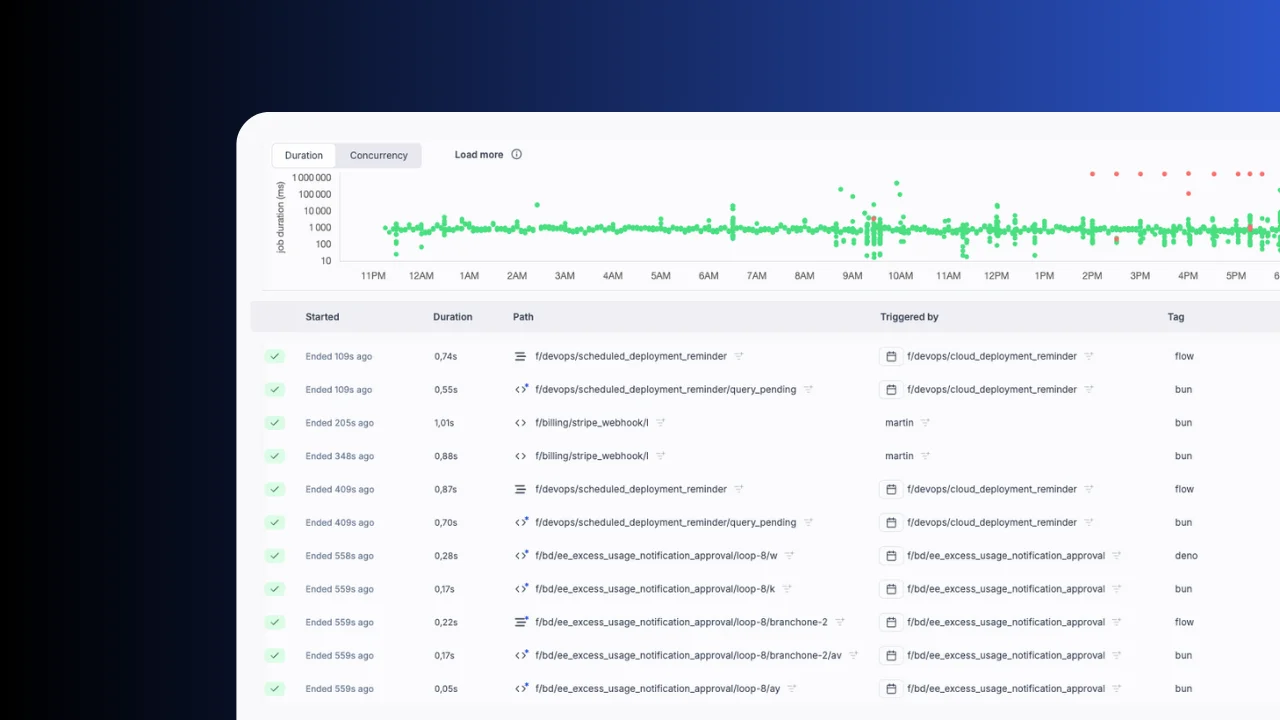
Full observability out of the box
Every execution is logged with inputs, outputs, duration and status. Filter runs, inspect logs, re-run with one click. Set up alerts on failures and view audit logs.
Use cases in production
From synthetic monitoring to environment hydration, teams rely on Windmill triggers for critical jobs.
How CFA Institute monitors production with scheduled synthetic tests
CFA Institute runs 25 synthetic monitoring tests every 5 minutes on Windmill schedules, catching regressions before users do. Error handlers and recovery alerts keep the ops team informed in real time.
How Zoom hydrates demo environments with scheduled flows
Zoom's demo platform uses Windmill schedules to hydrate and refresh demo environments for 400+ solution engineers. Scheduled flows provision infrastructure, seed data and keep environments ready around the clock.
More you can build on Windmill
Triggers are just one use case. The same platform powers internal tools, data pipelines, AI agents and workflows.
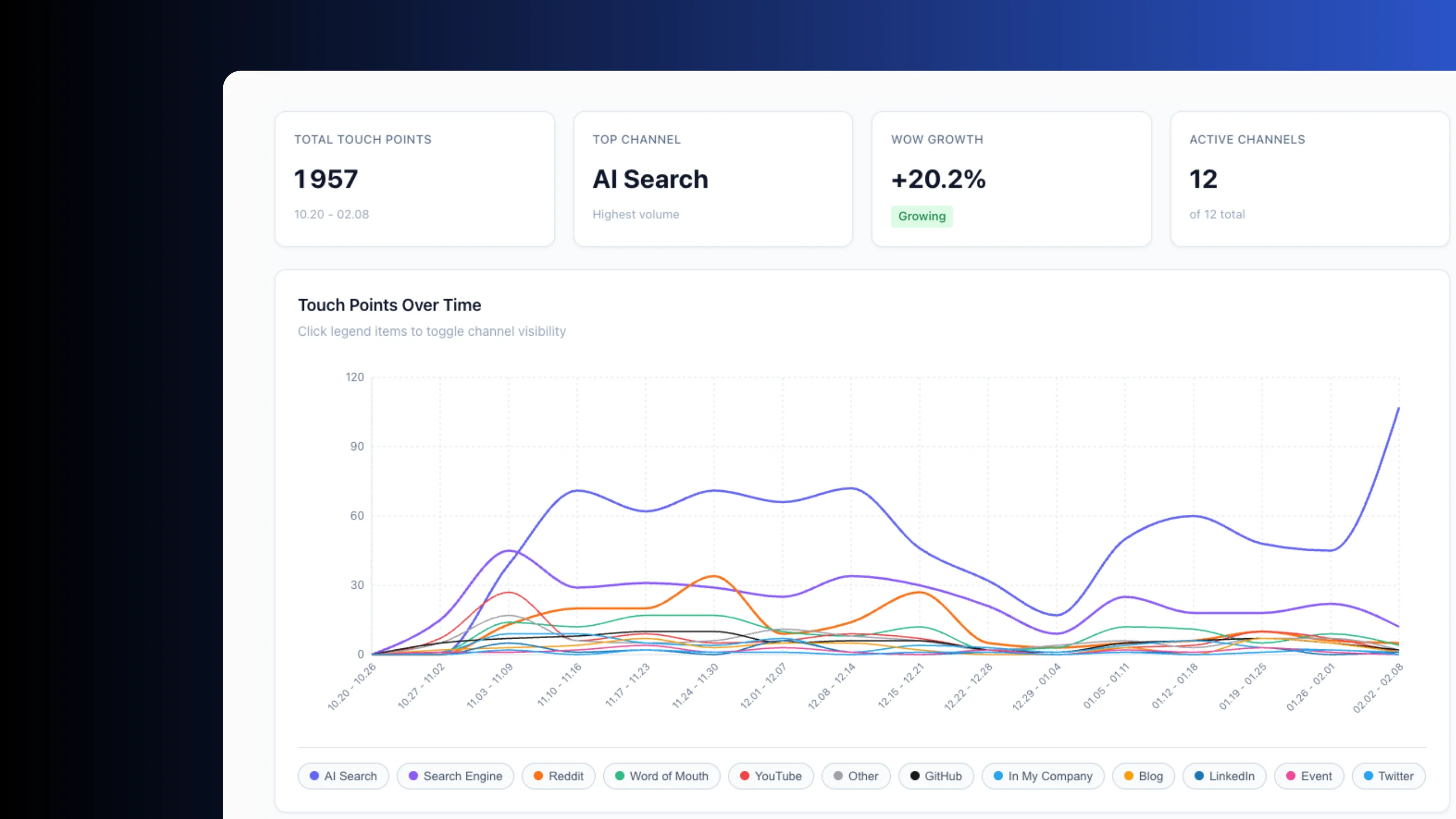
Build production-grade internal tools with backend scripts, data tables and React, Vue or Svelte frontends.
Orchestrate ETL jobs with parallel branches, DuckDB queries and connections to any database or S3 bucket.
Build AI agents with tool-calling, DAG orchestration, sandboxes and direct access to your scripts and resources.
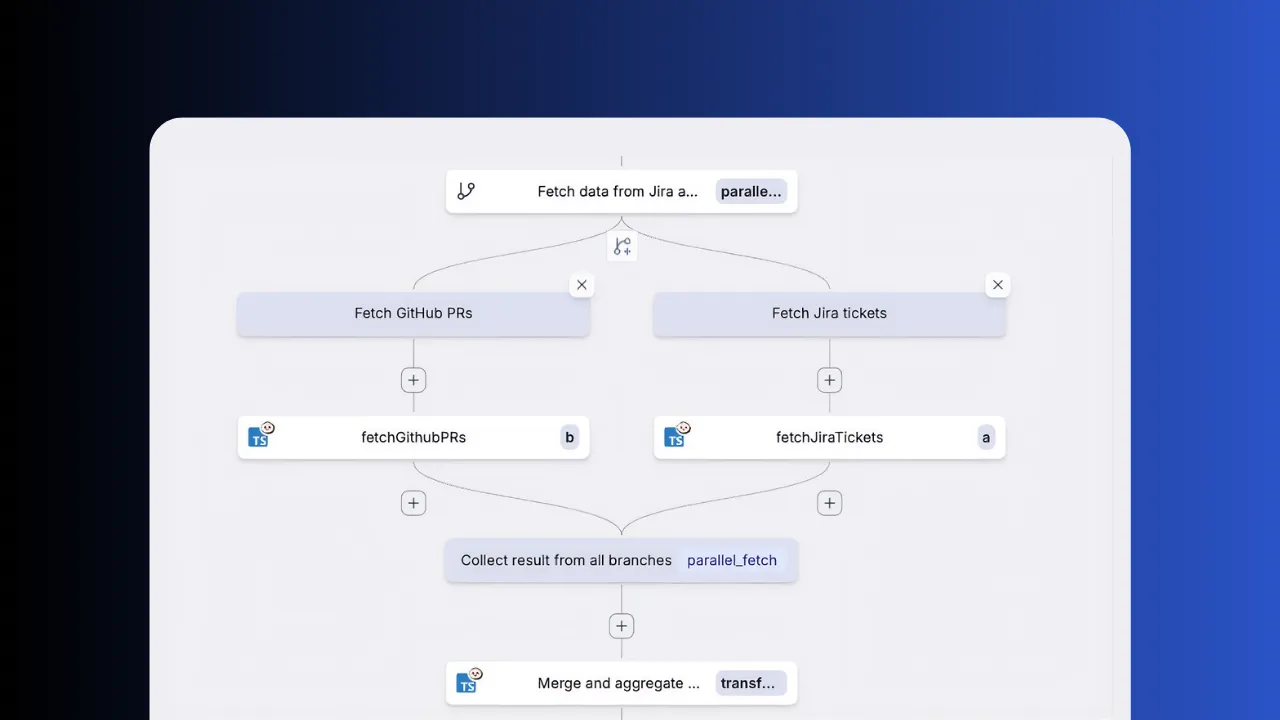
Chain scripts into flows with approval steps, parallel branches, loops and conditional logic.
Frequently asked questions
Start triggering tasks today
Get started for free on Windmill Cloud or self-host the open-source version.