6 posts tagged with "SQL"
View All TagsThe BigQuery and Snowflake script languages are no longer gated behind an Enterprise license. Both are now selectable in the script editor, the flow step picker and the app inline script picker on every edition, including self-hosted community instances, and both executors ship in the standard community builds. Oracle DB and MS SQL remain Enterprise-only runtimes.
New features
- BigQuery and Snowflake are selectable as script languages on the community edition, with no license prompt or disabled tile
- The same applies to the flow step picker and the app inline script picker
- Both executors are compiled into the standard community edition builds, so existing BigQuery and Snowflake resources work without an Enterprise license
- Oracle DB and MS SQL runtimes as dedicated languages remain Enterprise and cloud only
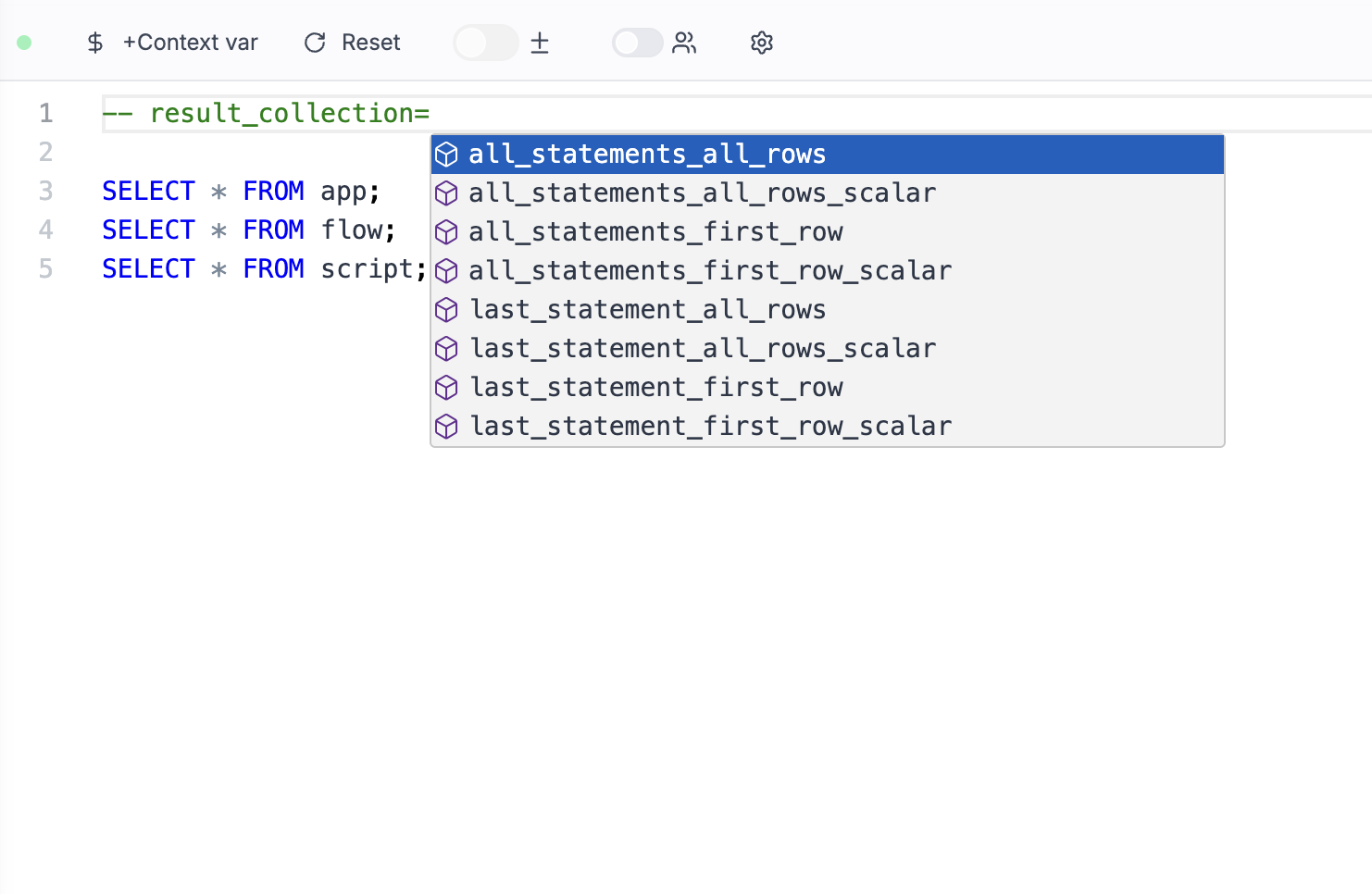
Choose how the result is collected from your SQL scripts and what is returned
New features
- legacy mode for retro-compatibility
- Return all statements or only the last one
- Return all rows or only the first one
- Return all columns or only a scalar
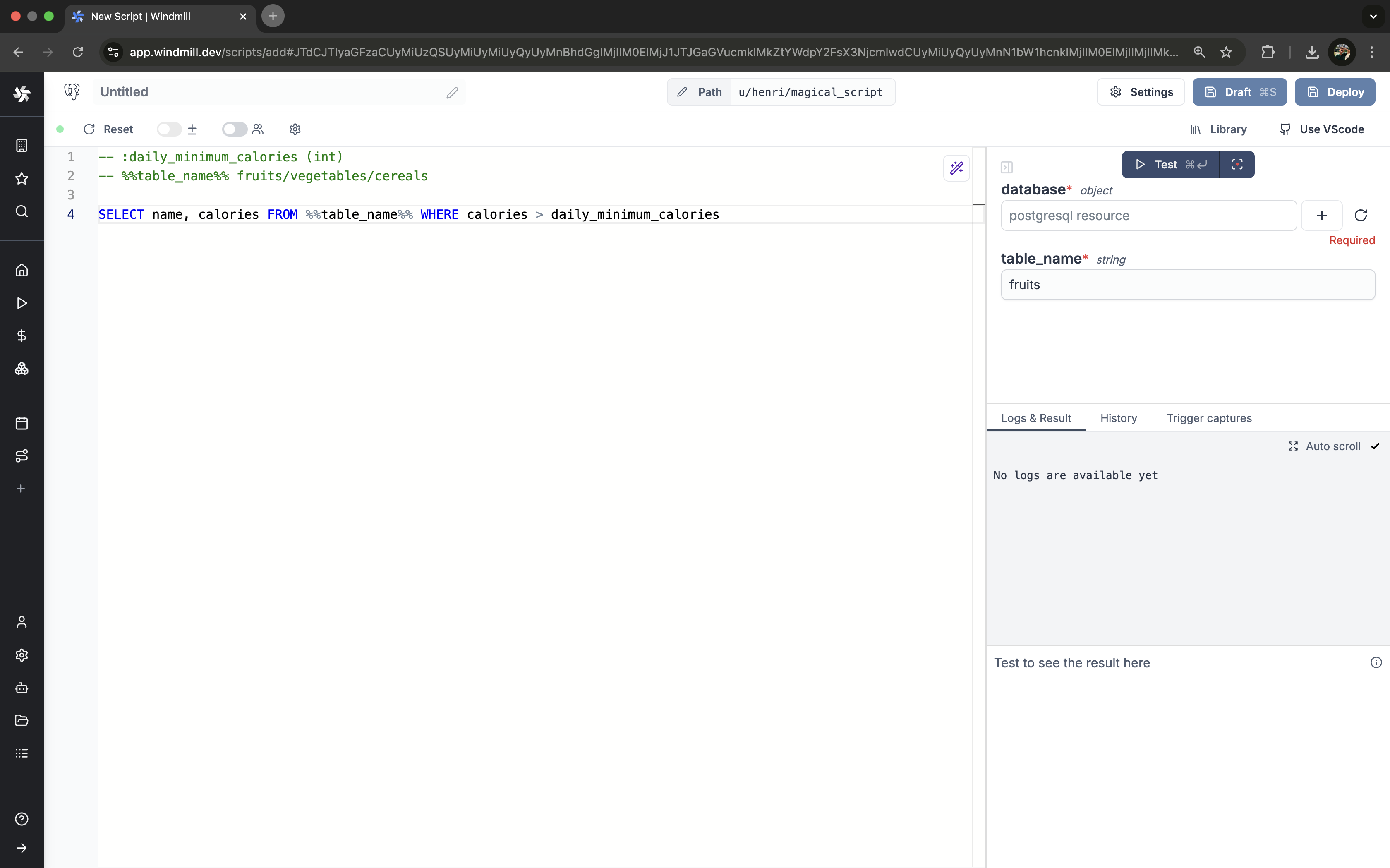
SQL scripts now support safe string interpolation for table and column names through backend schema validation, allowing more flexibility than prepared statements while preventing SQL injections.
New features
- Safe string interpolation for SQL queries
- Backend schema validation for interpolated arguments
- Support for table and column name parameters
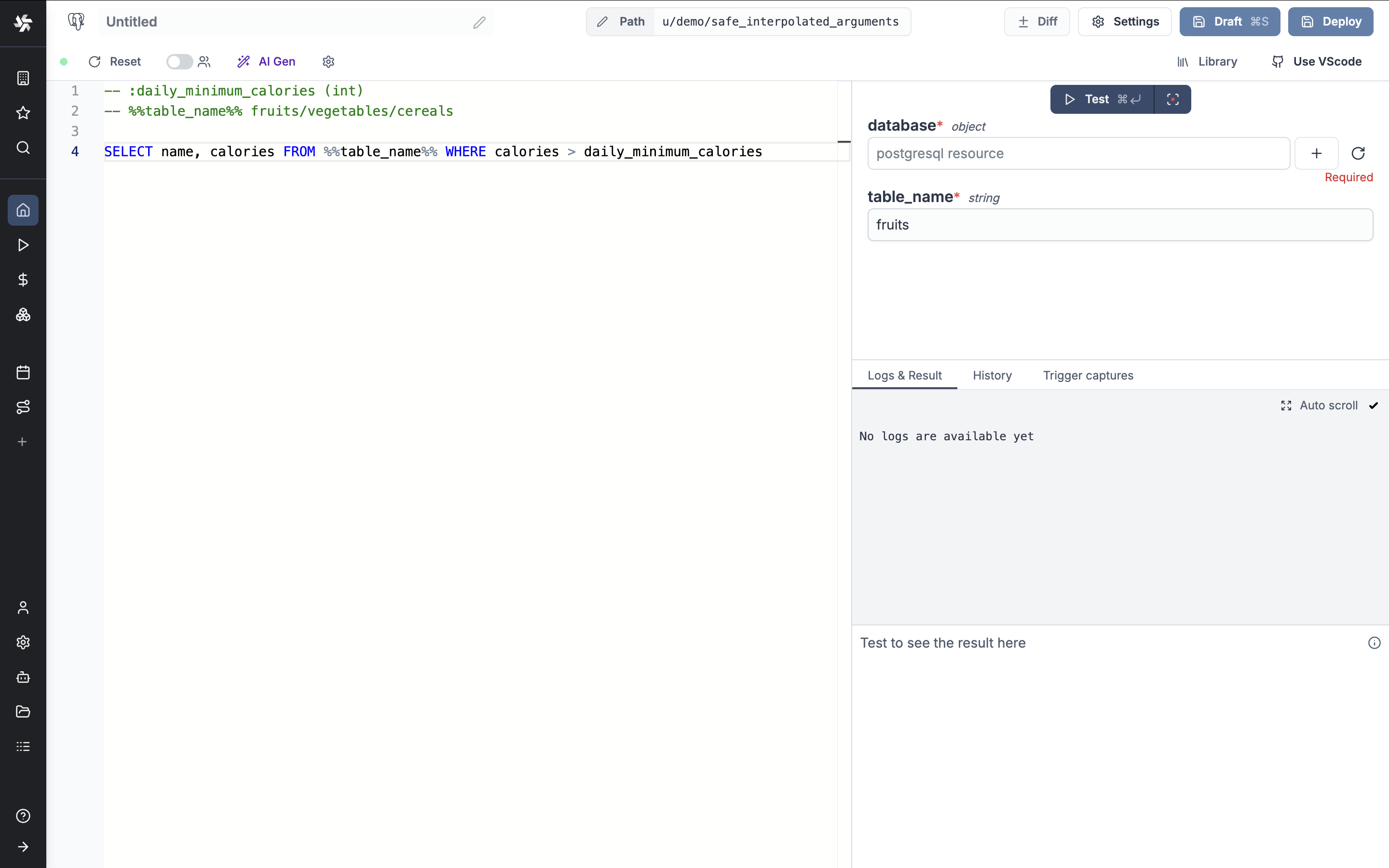
Backend schema validation and safe interpolated arguments for SQL queries.
New features
- Backend schema validation for scripts using the schema_validation annotation.
- Safe interpolated arguments for SQL queries using %%parameter%% syntax.
- Protection against SQL injections with strict validation rules for interpolated parameters.
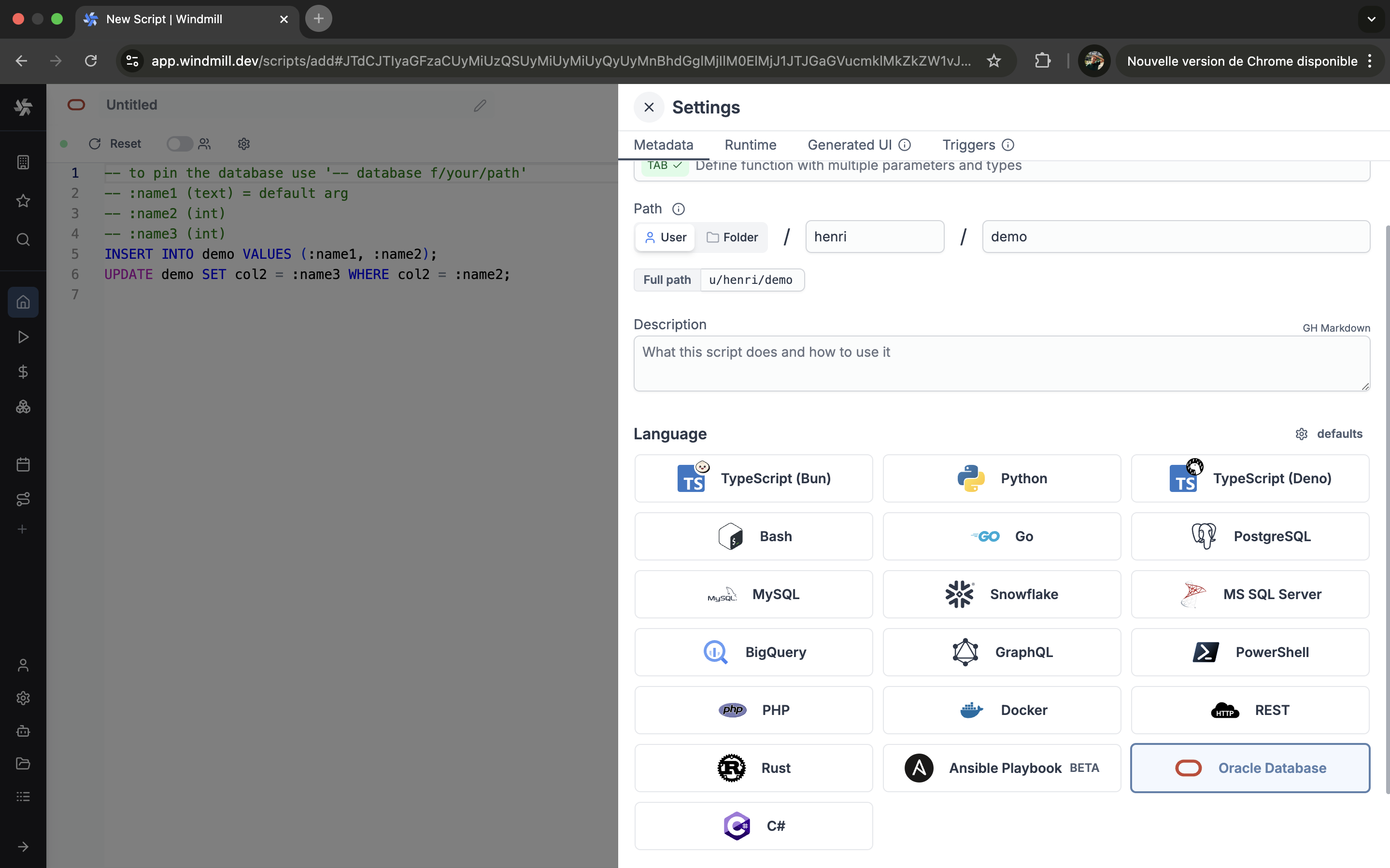
Windmill now supports Oracle scripts.
New features
- Write your Windmill script in Oracle.
- Run your Oracle scripts locally or in the cloud.
Pin database resource path directly within a SQL script instead of filling it through the UI.
New features
- Use "-- database resource_path" in your script.
- Works with PostgreSQL, MySQL, BigQuery, Snowflake, MS SQL, GraphQL.