Running services with perpetual scripts
Perpetual scripts restart upon ending unless canceled.
How to enable perpetual scripts
In the script's Settings, go to the Runtime tab and enable "Perpetual Script", then Deploy the script.
How to disable perpetual scripts
Canceling one job from a perpetual script is enough to disable it. You can do it from "Cancel" button.
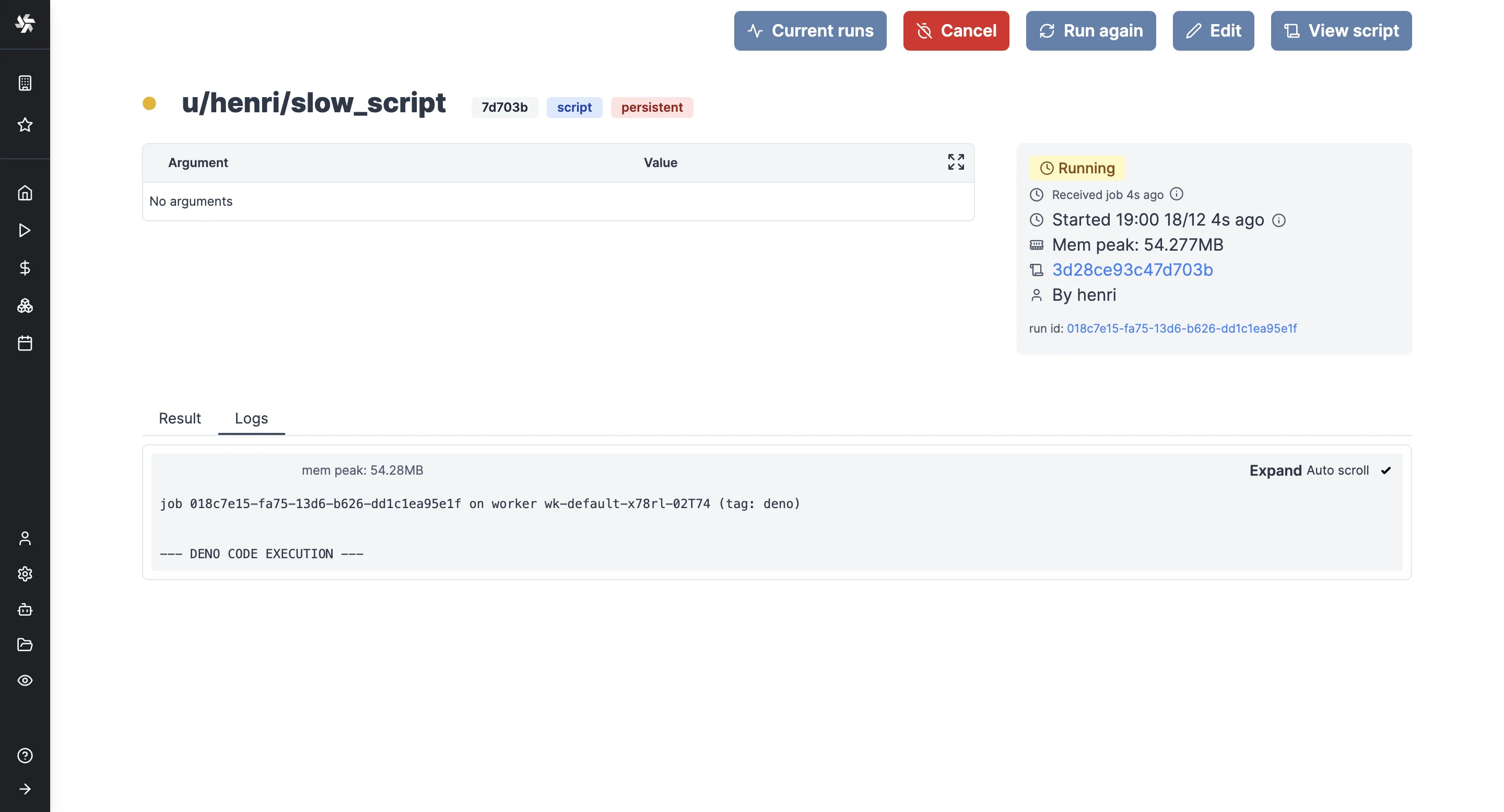
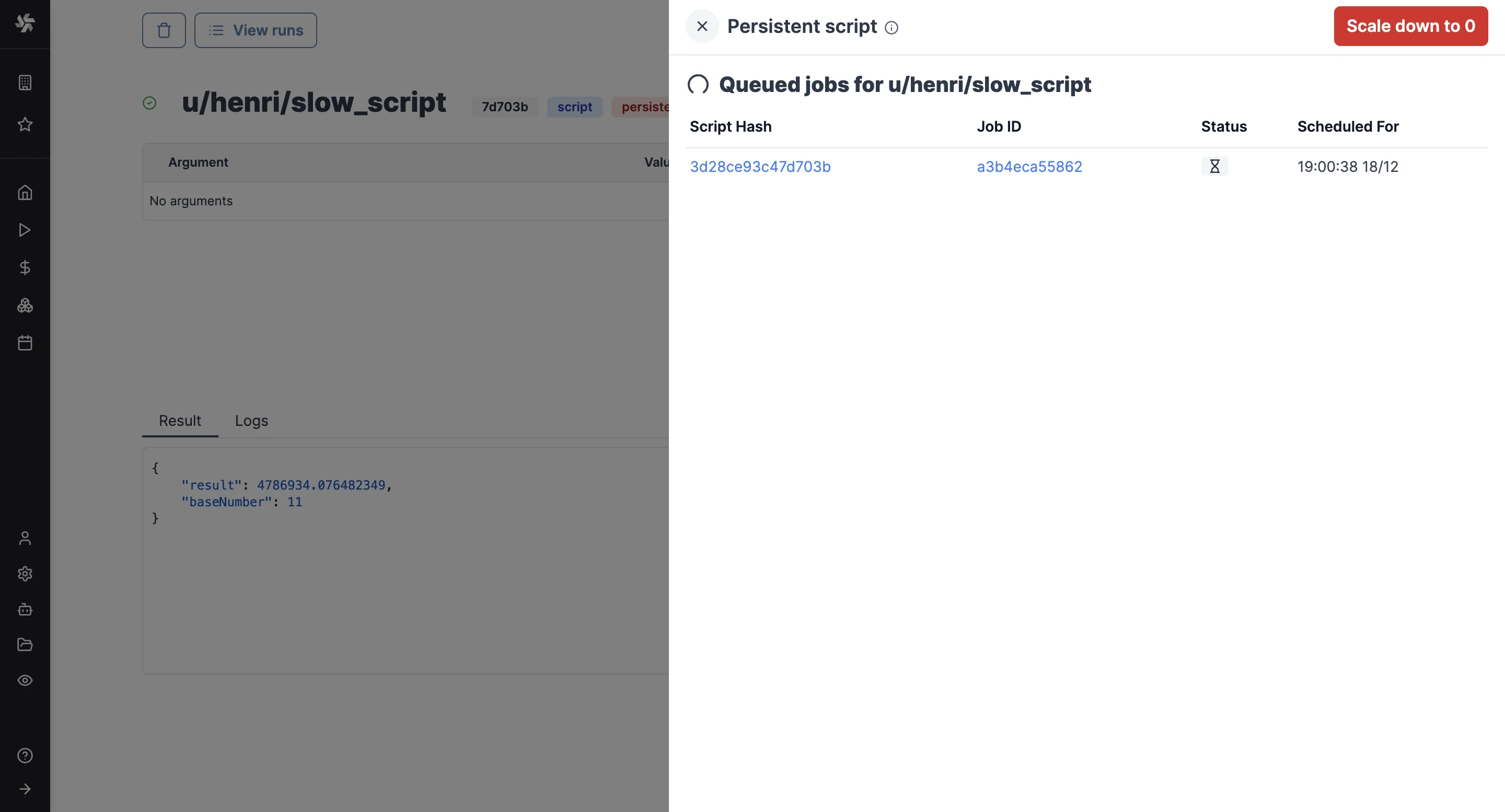
You can also click on "Scale down to zero" in the "Current runs" tab.
Deploying a new version
When you deploy a new version while the script has runs queued or running, the script editor lets you restart them on the new version with their current arguments and, when the new version changed their arguments, scale down to 0 instead. CLI and API deploys restart them without asking.
Tutorial
To learn more about Perpetual Scripts, you can visit our tutorial on how to use a perpetual script to implement a service in Windmill leveraging Apache Kafka: